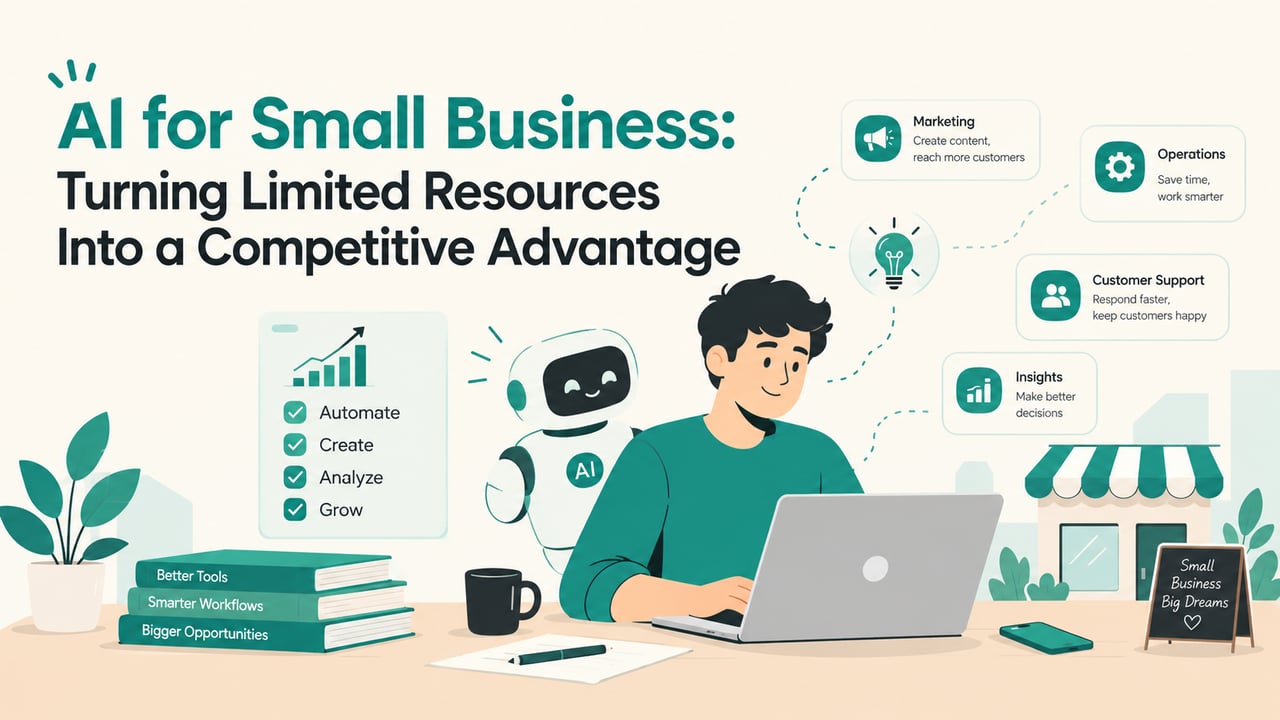
AI for Small Business: Turning Limited Resources Into a Competitive Advantage

Md Abdus Sami Akanda
Front-End & UI Developer
Running a small business means every hour is already spoken for. The same three or four people answer customer questions, chase invoices, post on social media, write proposals, and somehow still deliver the work customers actually pay for. Larger competitors solve this by hiring a support team, a marketing team, and an operations team. Small businesses can't, and for years that gap in headcount turned directly into a gap in speed, polish, and reach.
AI for small business changes that equation, though not in the way most headlines suggest. It won't run your company, and it won't replace the judgment and relationships that got you this far. What it does well is absorb the repetitive, text-heavy, rules-based work that quietly eats a small team's week. Hand that work to a system, and the people you already have get their time back for the work only they can do.
This guide covers where AI genuinely pays off for a small team, where it doesn't, how to choose your first use case, what it realistically costs, and a 90-day plan to go from experimenting to a workflow that saves real hours every week.
Key takeaways
- Most small businesses already use some AI, but only a small share have built it into how work actually gets done. That gap is the opportunity.
- The best first projects are repetitive, predictable, and cheap to get wrong: lead replies, content drafts, meeting notes, and admin.
- Small teams have a real edge with AI: they can test, decide, and roll out a new workflow in days rather than quarters.
- Start with one workflow, measure it against a baseline, keep a person reviewing the output, and expand only once the numbers move.
Most small businesses use AI. Few have put it to work.
AI use among small businesses has climbed fast. The U.S. Chamber of Commerce's 2026 Empowering Small Business report found that two-thirds of small businesses now use AI, up from 23% in 2023. The same report found that AI users were at least seven points more likely to report growth in sales, profit, and headcount than businesses not using it.
A stricter measure tells a different story. The U.S. Census Bureau's Business Trends and Outlook Survey, which asks whether a business used AI in a business function in the past two weeks, put usage at under 20% for firms with four or fewer employees in May 2026, against 37% for firms with 250 or more. It also found that usage among firms with fewer than 20 employees hadn't moved significantly in six months.
Read together, the numbers make sense. Most small business owners have tried an AI assistant to draft an email or brainstorm a post. Far fewer have connected AI to the workflows that run the business: how leads are answered, how content is produced, how admin gets done. That gap between casual use and operational use is exactly where a small business can pull ahead, because most of its competitors haven't closed it yet.
Why small teams are better placed for AI than they think
It's tempting to treat AI as a big-company advantage. Large companies have the budgets, the data teams, and the IT departments. In practice, small businesses have structural advantages that matter more than budget when it comes to getting real value from these tools.
You can decide and deploy in a week
A large company adopting an AI tool goes through procurement, security review, legal sign-off, and change management across dozens of teams. A small business owner can try a tool on Monday, test it with real customers by Wednesday, and decide by Friday whether to keep it. That speed of iteration is the biggest advantage you have. The businesses getting the most out of AI aren't the ones with the largest budgets; they're the ones running the most small, well-measured experiments.
You can see every process end to end
In a small team, the person deciding what to automate usually understands the whole process: where a lead comes in, who answers it, what happens next, and where it tends to fall through the cracks. That visibility makes it far easier to choose exactly which step to automate, and to tell quickly whether the automation is working.
Every hour saved is a bigger share of capacity
Saving ten hours a week is a rounding error for a 500-person company. For a five-person team, it's a meaningful slice of total capacity: enough to take on another client, launch the campaign you keep postponing, or stop working evenings. The same automation delivers a proportionally larger return when the team is small.
Where AI pays off for a small business
The strongest early use cases share three traits. The work is repetitive, it follows a recognizable pattern, and a mistake is easy to spot and cheap to fix. These are the areas where small businesses most consistently see a return.
Answering and qualifying leads, around the clock
Many small businesses lose leads not because their offer is weak, but because nobody replied fast enough. Response time matters more than most owners realize: a widely cited Harvard Business Review study of 1.25 million sales leads found that companies that tried to contact a lead within an hour were nearly seven times as likely to qualify it as those that waited even one hour longer.
An AI assistant connected to your website, WhatsApp, or Meta DMs can answer common questions instantly, qualify the inquiry, collect contact details, and book a call, at 11 p.m. on a Sunday as easily as at 11 a.m. on a Tuesday. Anything unusual is handed to a person with the full conversation attached, so no customer has to repeat themselves.
Producing content without a full marketing team
AI is a strong first-draft partner. It can turn one blog post into a week of social captions, draft product descriptions, cut a long video into short clips with captions, and suggest subject lines for your next email. What it can't do is understand your customers or decide what's worth saying. The pattern that works is AI for volume and people for direction: you set the message and the angle, the system handles the repetitive formatting, and a person edits everything before it goes out. That's how a small team keeps up a consistent content presence without hiring a marketing department.
Clearing admin and back-office work
Invoice reminders, meeting notes and follow-up emails, inbox triage, pulling data from forms and receipts, updating the CRM after a call: this is the work nobody started a business to do, and it's where automation tends to save the most hours with the least risk. Connecting the tools you already use, so that information moves between them on its own, often matters more than any single AI feature.
Faster research and better-informed decisions
AI can summarize a competitor's website, surface recurring themes in a hundred customer reviews, turn your notes into a first draft of a proposal, or explain a contract clause in plain language. None of this replaces your judgment, but it shortens the distance between having a question and having enough information to make a decision.
Not sure which of these would save your team the most time? Book a 30-minute discovery call with WeezLab, and we'll help you find the workflow with the biggest payoff.
Where AI is the wrong tool, for now
Knowing where not to use AI is as valuable as knowing where to use it. A few areas consistently disappoint, or carry risks that outweigh the time saved.
- High-stakes decisions without review: pricing, legal commitments, hiring, and anything financial should never go out on an AI's word alone.
- Relationships that set you apart: if customers choose you because they know you, automating that relationship removes the reason they chose you.
- Processes you haven't defined yet: automating a messy process only gives you a faster mess. Write down how it should work first.
- Facts you can't verify: AI tools can state wrong information with complete confidence. Anything factual that reaches a customer needs a human check.
- Sensitive data in unapproved tools: know where your data goes, and whether a tool's terms allow it, before you paste anything in.
How to choose your first AI use case
The most common mistake is starting too big: a company-wide AI strategy, a custom assistant that knows everything, a new tool for every department at once. The businesses that succeed start with one narrow workflow, prove that it works, and expand from there.
Run a one-week time audit
For one week, ask everyone on the team to note the tasks they repeat and roughly how long each one takes. A shared document is enough. By the end of the week you'll have a list of candidates, and two or three will usually stand out: the inbox that takes an hour every morning, the weekly report someone builds by hand, the inquiries that sit unanswered all weekend.
Score each candidate on three questions
- Volume: how many hours a week does this task take across the team?
- Predictability: does it follow the same pattern most of the time?
- Cost of a mistake: what happens if the AI gets it wrong, and how quickly would you notice?
The best first project scores high on volume, high on predictability, and low on the cost of a mistake. Answers to frequent customer questions, social caption drafts, and meeting summaries usually win. Final quotes and contract terms usually don't.
Set a baseline before you start
Pick one number to track: hours saved per week, average response time to new inquiries, leads captured outside business hours, or posts published per month. Write down where it stands today. Without a baseline, you'll end up judging the experiment on gut feeling, and gut feeling tends to favor whatever is newest.
Don't start with the most impressive use of AI. Start with the most boring task that eats the most hours.
How much AI costs a small business
AI doesn't have to be expensive for a small business, but the subscription price is rarely the whole cost. It helps to think about it in three layers.
Off-the-shelf AI tools
General-purpose AI assistants, and the AI features now built into software you may already pay for, are the cheapest way in. Most are priced per user per month, and many have free tiers good enough for testing. They're ideal for drafting, summarizing, and research. Their limitation is that they work in isolation: someone still has to copy information from one place to another.
Connected workflows
The larger time savings come from connecting tools so that work moves between them without a person in the middle, such as a website inquiry that's answered, qualified, logged in the CRM, and followed up automatically. This usually involves an automation platform, some setup time, and occasionally usage-based AI fees. The setup is a one-time effort; the time it saves comes back every week.
The hidden cost: your team's time
Every new tool needs someone to set it up, test it, write the instructions it follows, and check its output in the early weeks. Budget for that time honestly. A tool that saves eight hours a week but takes twenty hours to configure pays for itself within a month. A tool nobody has time to configure saves nothing at all. If the internal time isn't there, that's where outside help earns its fee.
A 90-day plan to put AI to work
You don't need a transformation program. You need one working system, then a second, then a habit. Here's a realistic sequence for a small team.
Days 1 to 30: one workflow, done properly
Run the time audit, pick the single highest-scoring task, and record your baseline. Build the simplest version that could work, test it internally, then switch it on for real with a person reviewing every output. Keep a short log of the instructions you give the tool, what it gets right, and what it gets wrong. By the end of the month, you should know whether it's saving time, and roughly how much.
Days 31 to 60: refine and reduce review
Use what you learned to improve the instructions and handle the cases it struggled with. As accuracy improves, move from reviewing every output to reviewing a sample. Compare results against your baseline. If the numbers are moving, add a second workflow from your audit list. If they aren't, find out why before adding anything new. The problem is usually the process, not the tool.
Days 61 to 90: connect and document
Start linking workflows so that information captured in one flows into the next: qualified leads from the chatbot go straight into the CRM, the CRM triggers the follow-up email, and the meeting summary updates the deal. Document how each system works and who owns it, so it keeps running through holidays and staff changes. At day 90, compare your hours and results with the baseline and decide where to invest next.
Guardrails that keep AI from becoming a liability
A little structure up front prevents the problems that make people distrust AI: the wrong answer sent to a customer, the off-brand post, the data shared somewhere it shouldn't have been.
- Keep a person in the loop for anything customer-facing, at least until the system has earned trust on real conversations.
- Give the AI your voice and your facts: a short brand-voice guide and an approved FAQ produce far more reliable output than a blank prompt.
- Make the handoff to a human easy: customers should always be able to reach a person, and that person should see the full conversation.
- Check data and privacy terms: know what each tool stores, where it stores it, and whether it uses your inputs to train its models.
- Review monthly: read a sample of outputs, check your success metric, and retire anything that isn't pulling its weight.
Frequently asked questions about AI for small business
Is AI worth it for a small business?
For most small businesses, yes, provided you start with a specific, measurable problem rather than a general wish to "use AI." Tasks that are repetitive and time-consuming, such as answering common inquiries, drafting content, or handling admin, usually show a clear return within the first few weeks.
Do I need technical skills to use AI in my business?
Not to get started. Most AI assistants and the AI features built into everyday business software are designed for non-technical users. Connecting several tools into an automated workflow takes more setup, which is where a developer or an automation partner can save you time and costly mistakes.
What should a small business automate first?
Start with the task that takes the most hours, follows the most predictable pattern, and carries the lowest cost if something goes wrong. For many small businesses, that's replying to new inquiries, followed by content drafts and routine admin.
Will AI replace my employees?
For most small businesses, AI takes over tasks rather than whole jobs. The aim is to move your team's time away from repetitive work and toward customers, sales, and the work that sets your business apart. In the U.S. Chamber of Commerce's 2026 survey, far more small businesses said AI was creating jobs than said it was reducing headcount.
Is it safe to put customer data into AI tools?
It depends on the tool. Check each provider's data and privacy terms, prefer business plans that don't use your data for training, limit what personal information you share, and follow the data protection rules that apply in your market.
Turn limited resources into your advantage
AI doesn't help small businesses by making them look big. It helps by letting them stay small where it counts: close to customers, quick to decide, and personal in the moments that matter, while systems quietly handle the volume that used to require a bigger team. The businesses that pull ahead won't be the ones that adopt the most tools. They'll be the ones that pick the right first workflow, measure it honestly, and build from there.
WeezLab designs and builds AI chatbots, CRM workflows, and business automation for small teams, alongside the brand, website, and content they connect to. If you'd like a clear answer on where AI will pay off in your business, and where it won't, book a consultation. Bring your time audit, or we'll help you run one.